THE ELLIS CONSOLE
A little less chasing.
A lot more context.
Follow a day at Oak & Willow Plumbing. From the first enquiry to the next callback, here is how Ellis keeps the details together.
Real console screens, fictional business and customer details. Desktop and mobile browser views with local example data.
Select any screenshot to view it at full size.
Your next callback starts here.
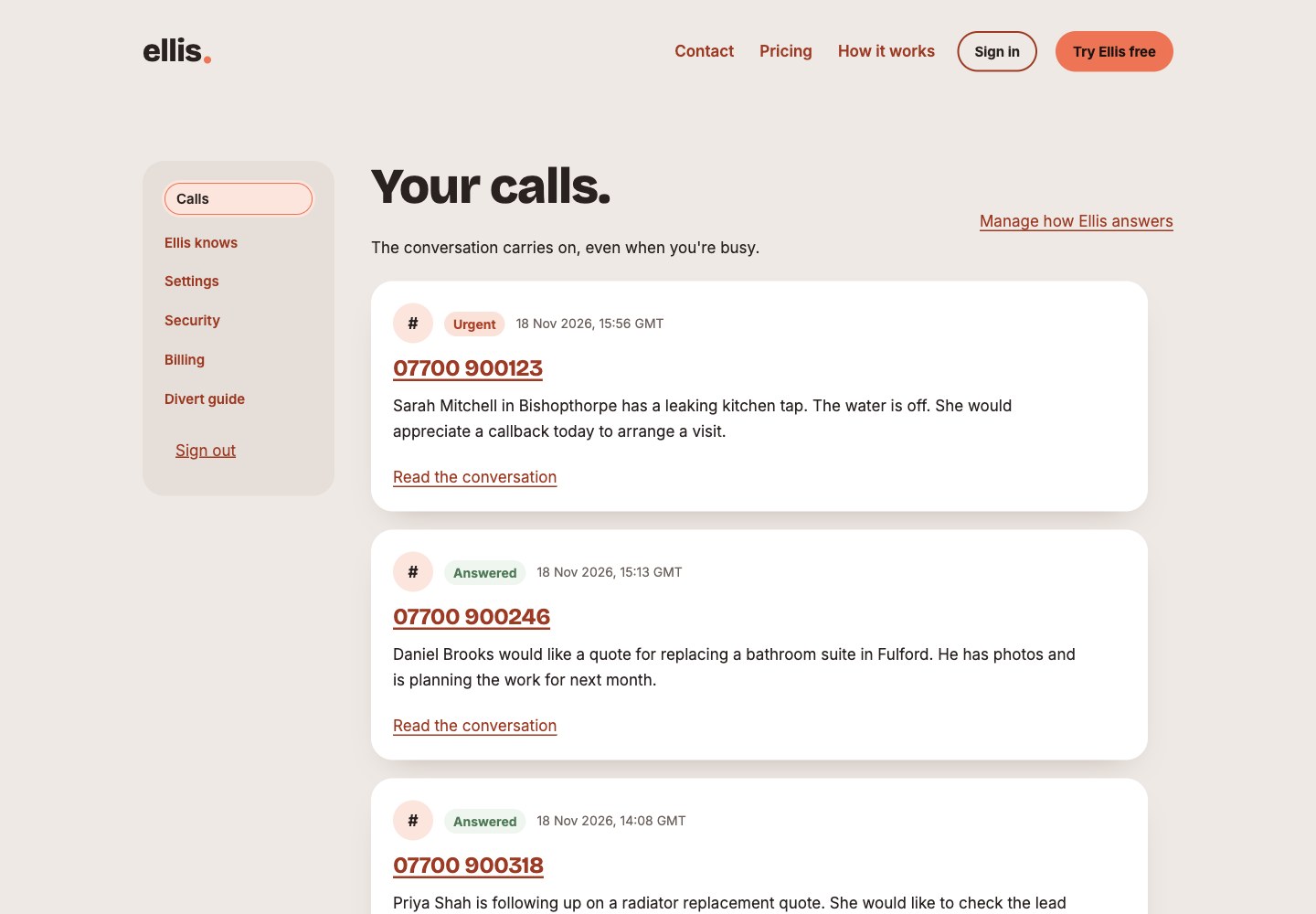
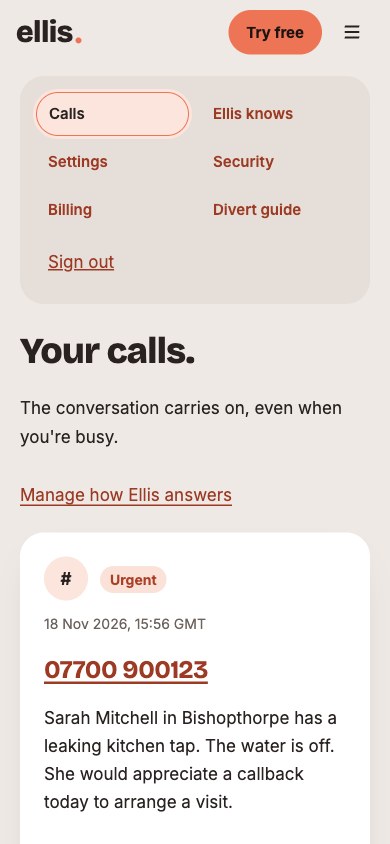
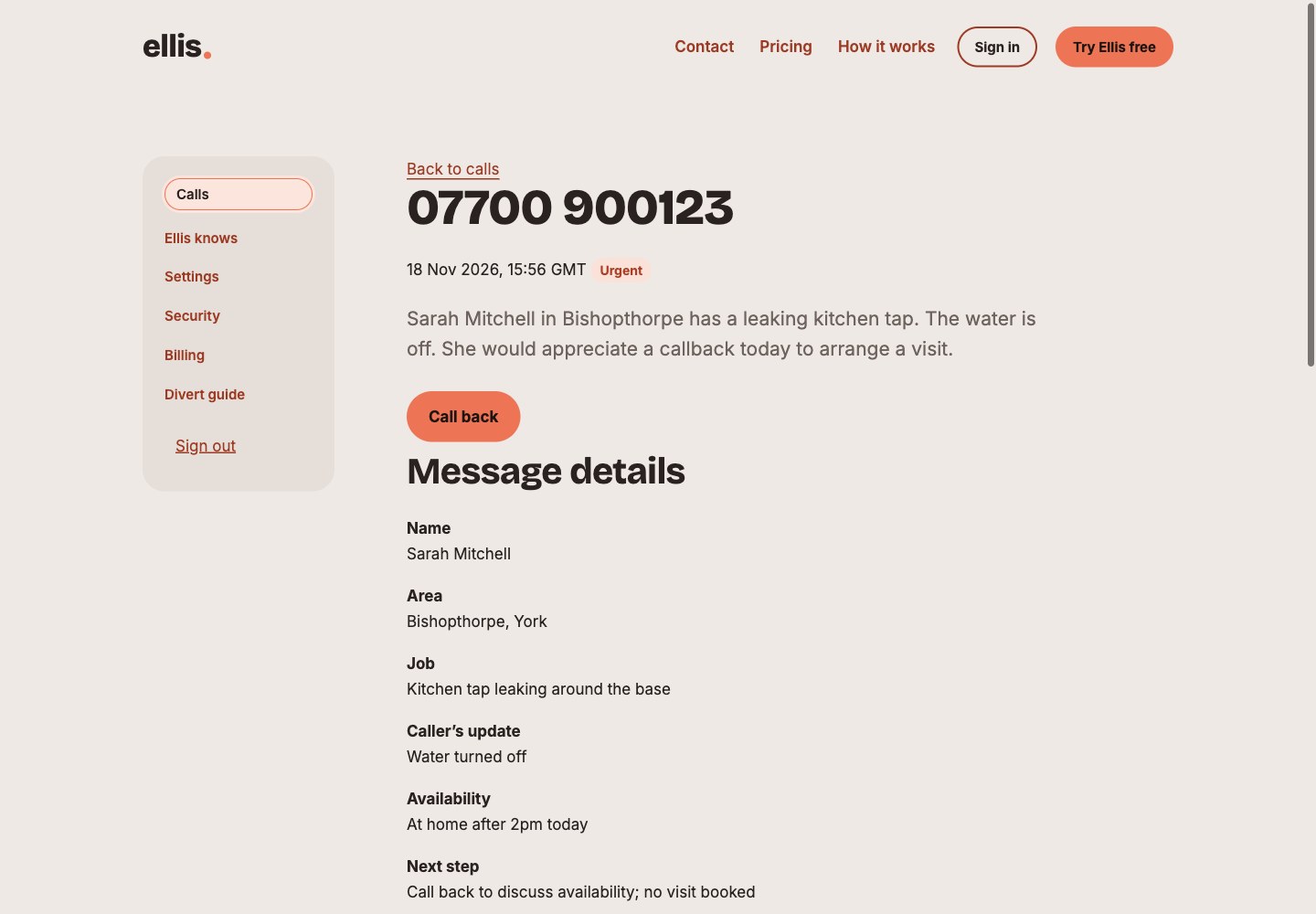
Scan recent calls, spot urgent messages and see the context before you pick up the phone.
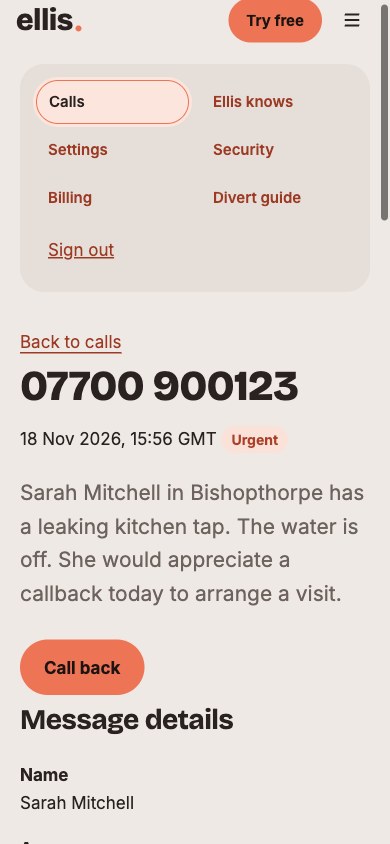
The useful details, already together.
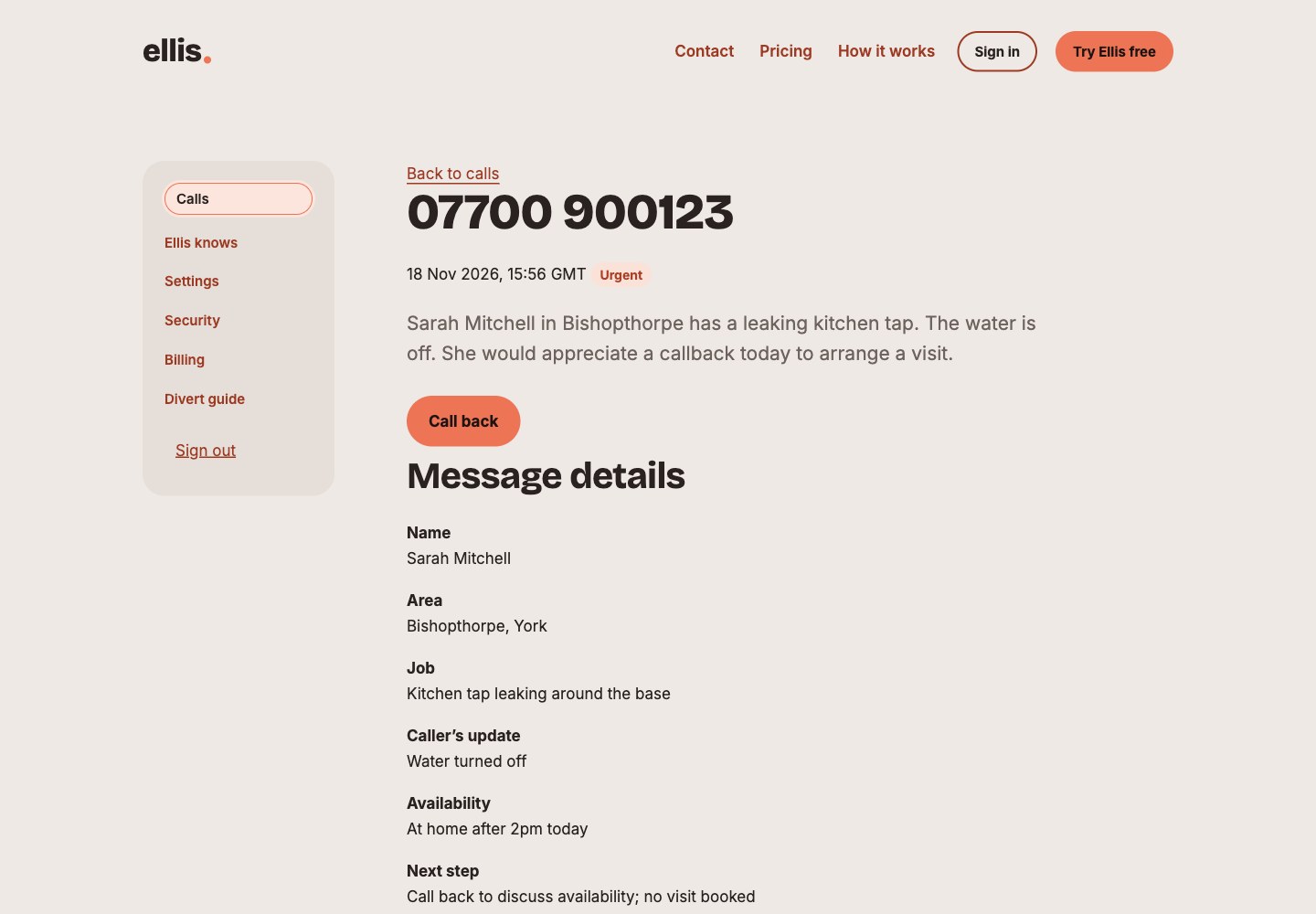
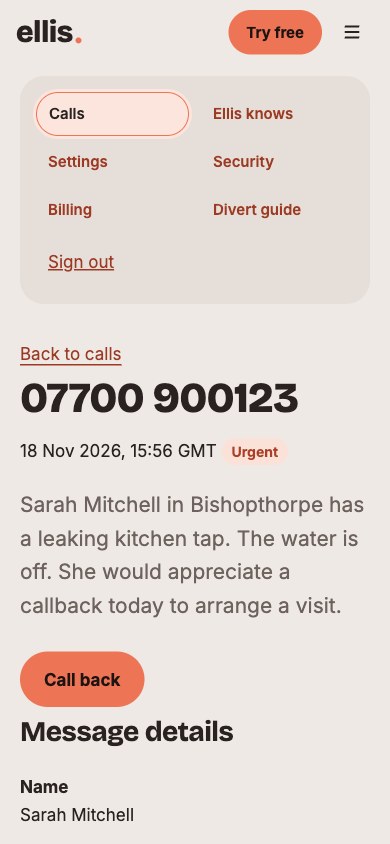
Sarah has a leaking tap. Her water is off, she would like a callback today. Ellis keeps that context with her number.
Read how the conversation went.
Go beyond the summary with a transcript of what the caller said and how Ellis responded.
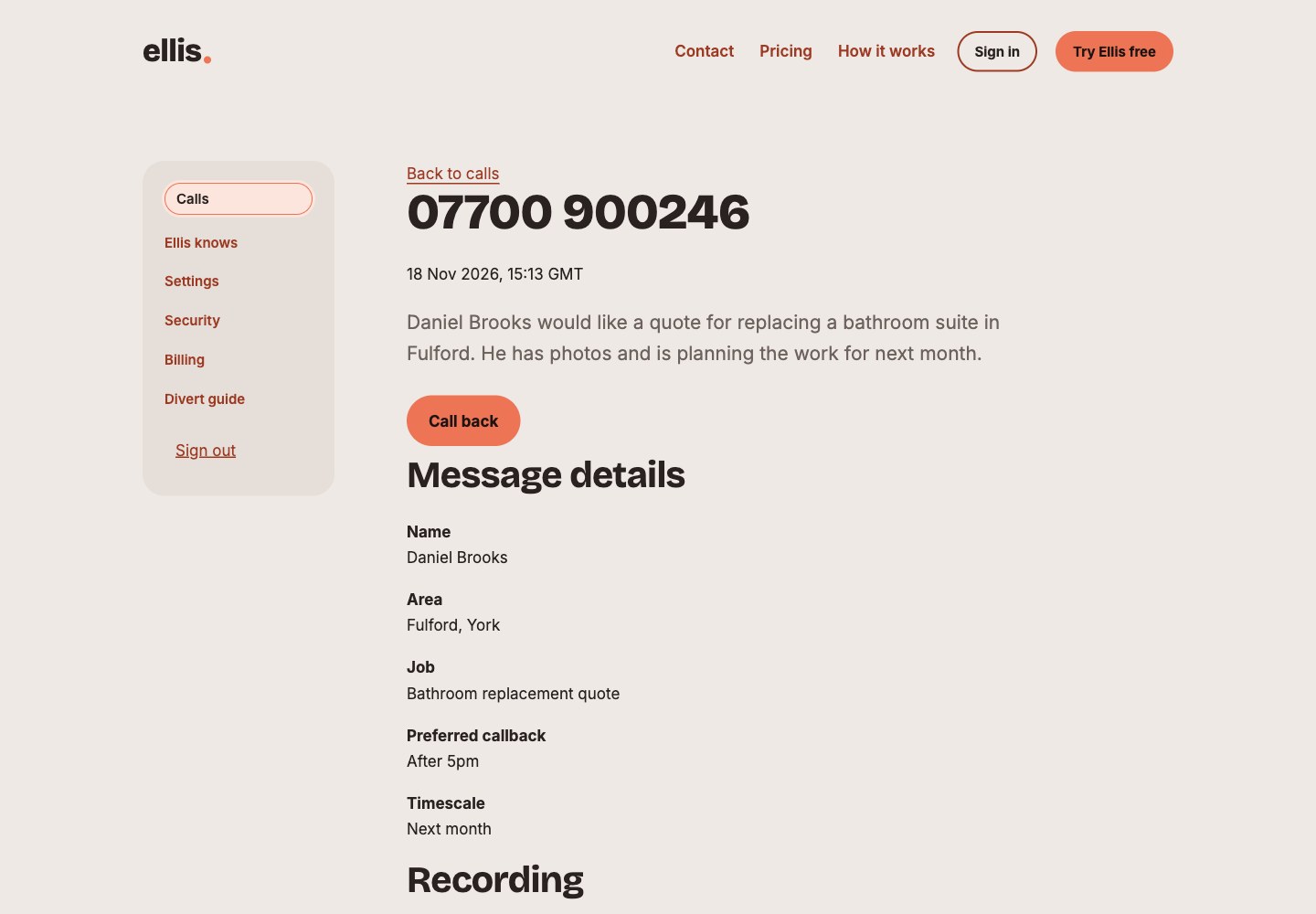
A different call. The same clear picture.
A bathroom quote needs different information from an urgent repair. This example includes the location, timing and a request to share photos.
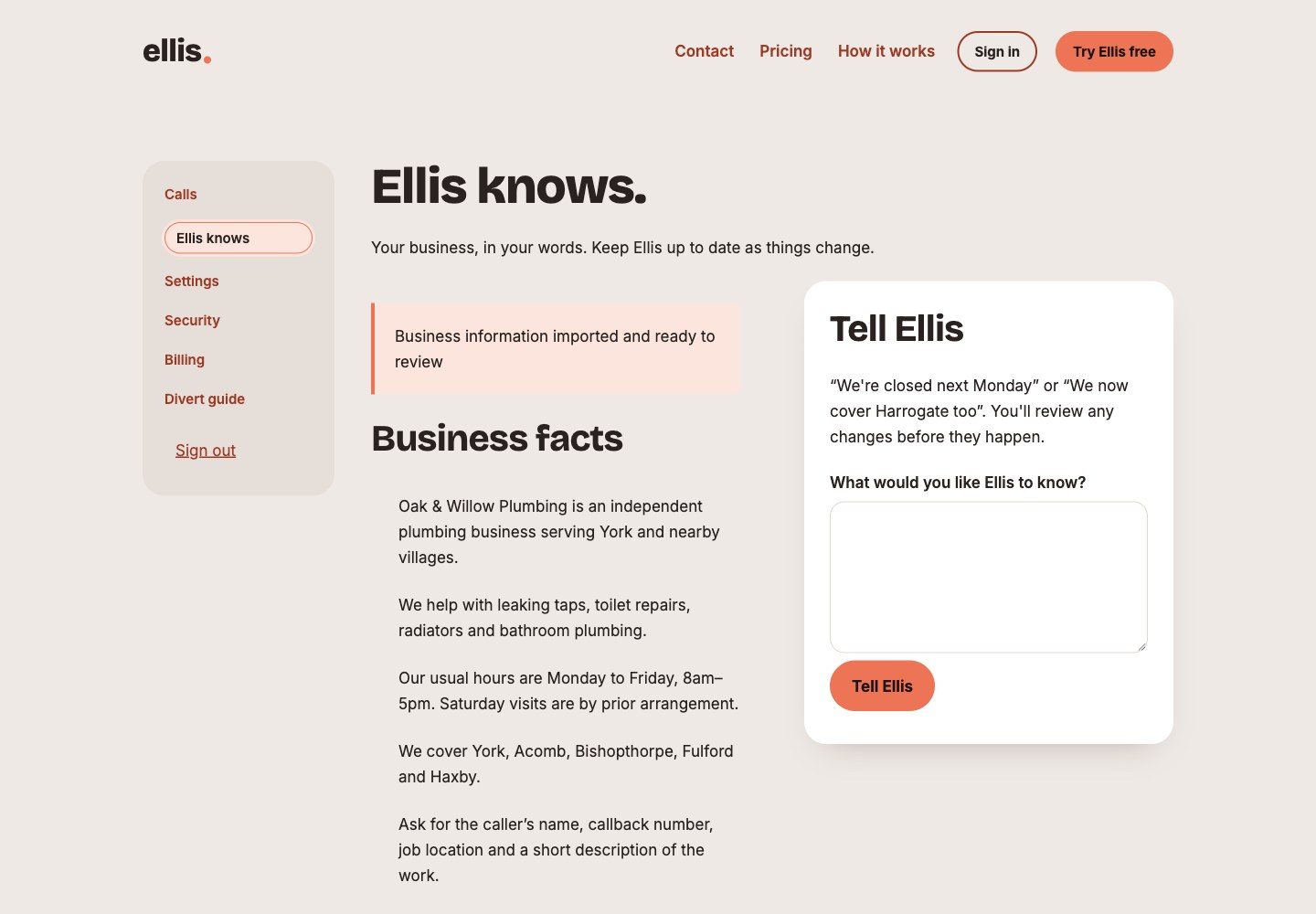
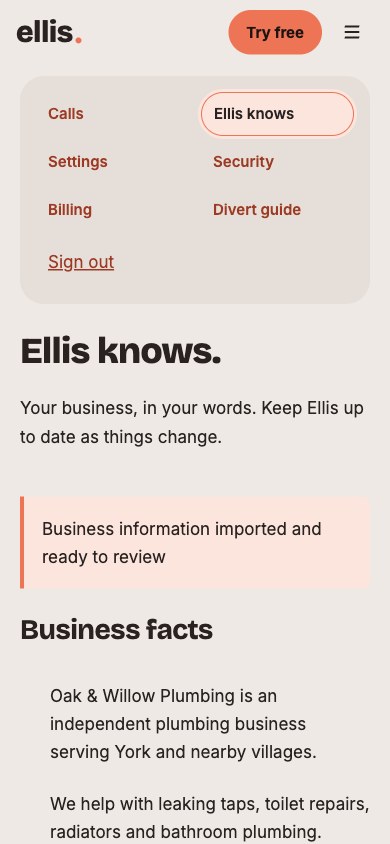
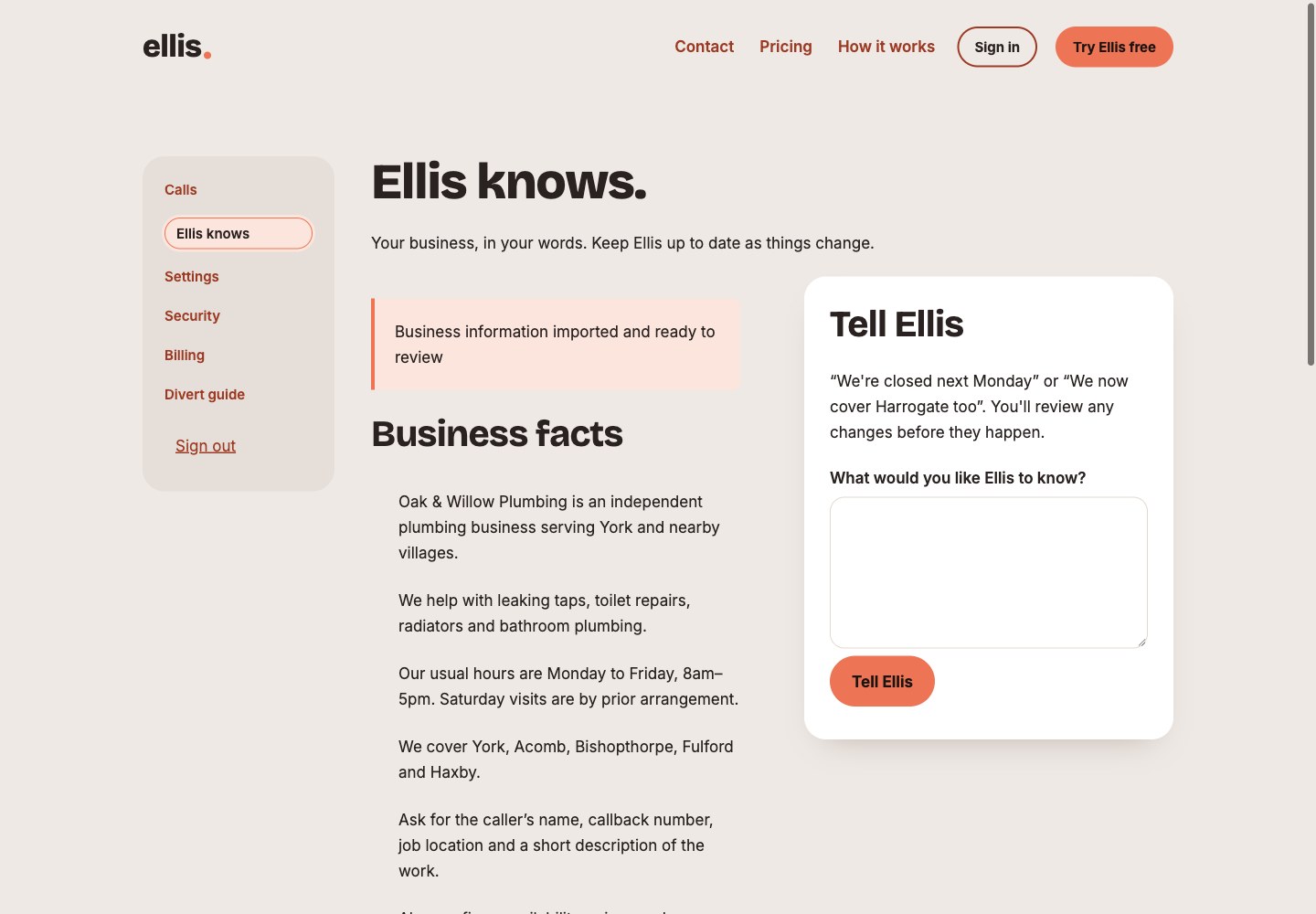
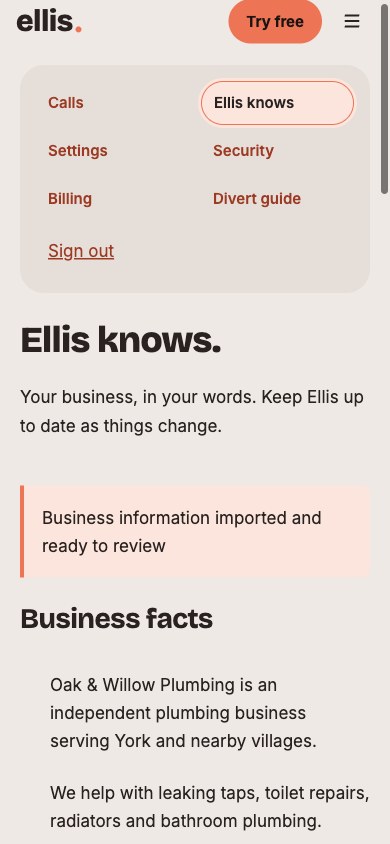
Your business, in Ellis’s words.
Review the services, opening hours, areas and questions Ellis uses when answering your callers. Tell Ellis when something changes.
You have the final say.
Review the existing information beside a proposed update. Here, the business is considering planned work in a nearby area. Approve or reject the change.
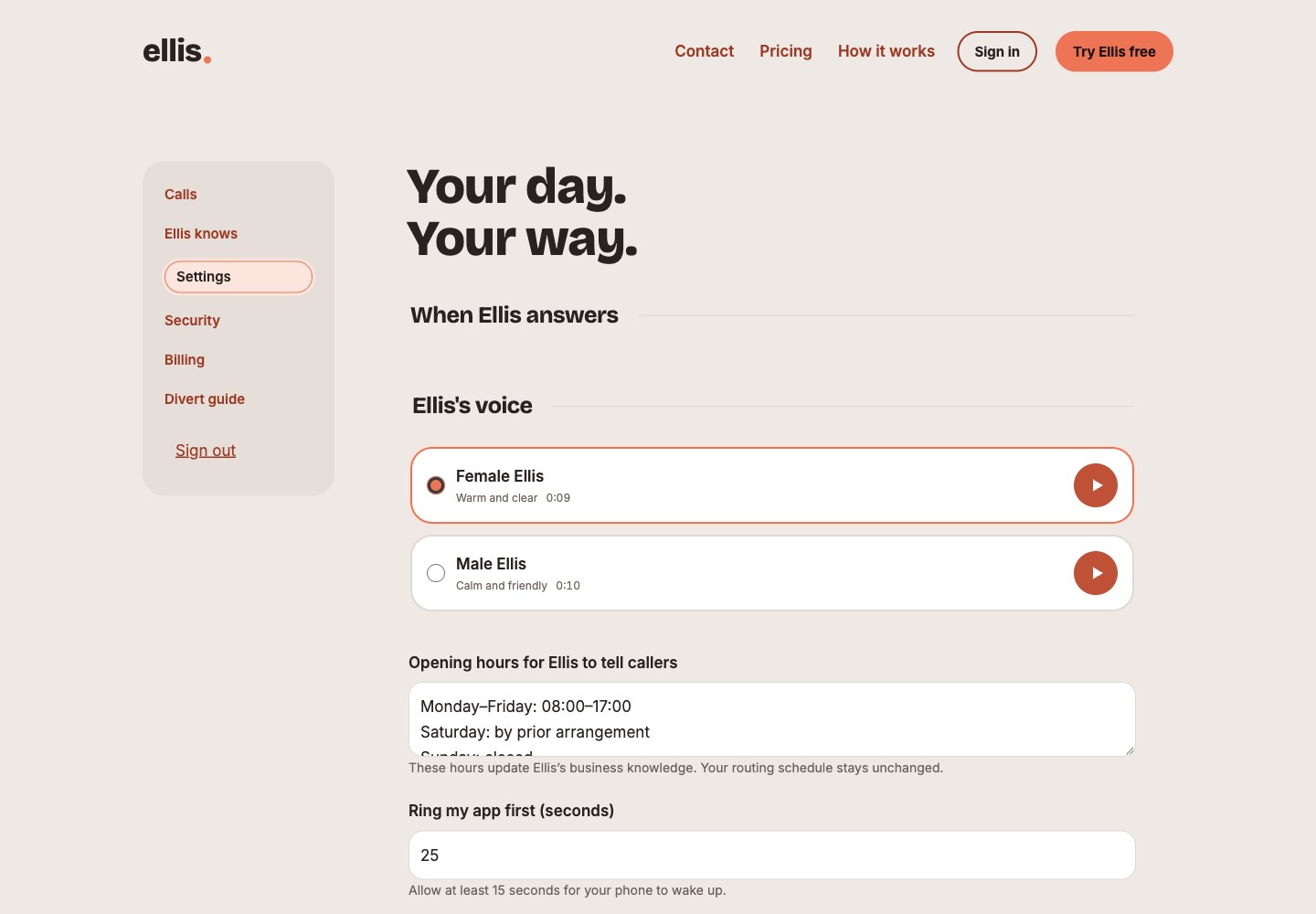
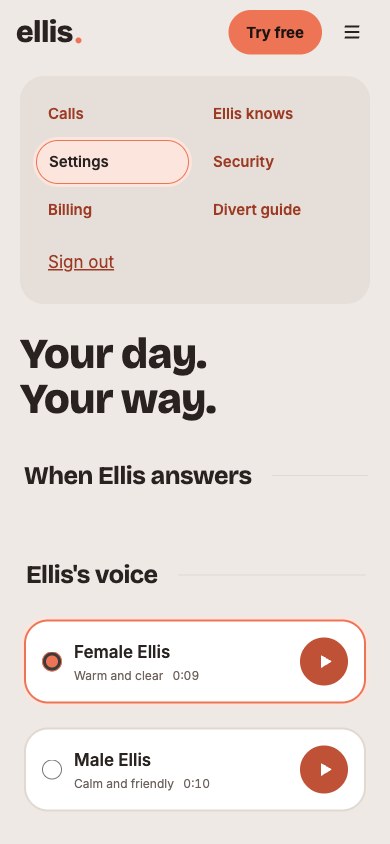
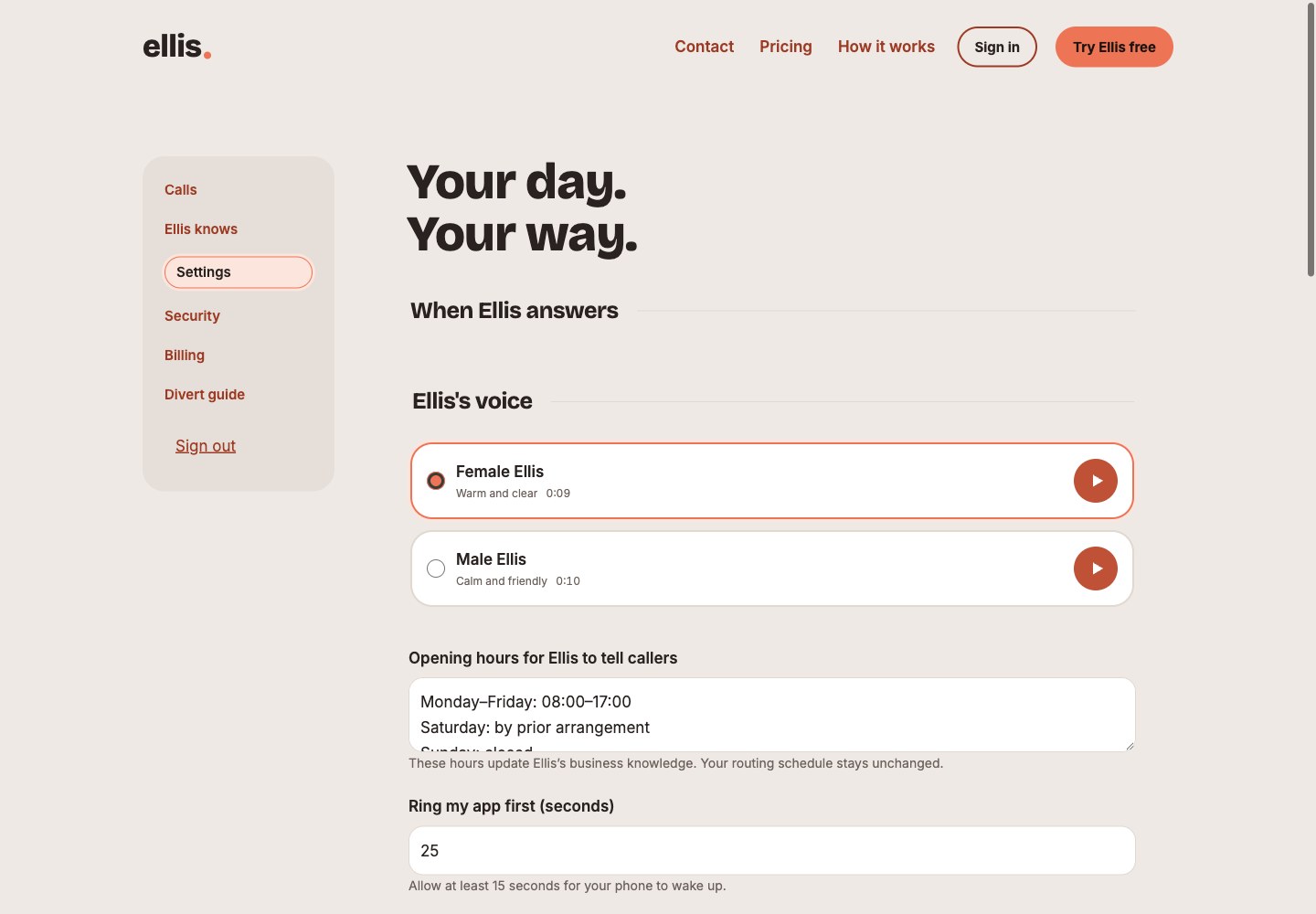
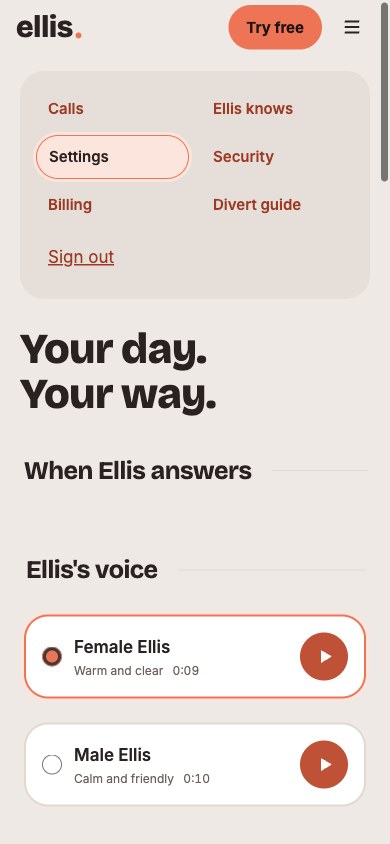
Make Ellis sound like your business.
Choose a voice, share your opening hours and decide how long your app should ring before Ellis answers.
Room to focus when you need it.
Use busy mode when you cannot take calls, and manage the notifications you want to receive.
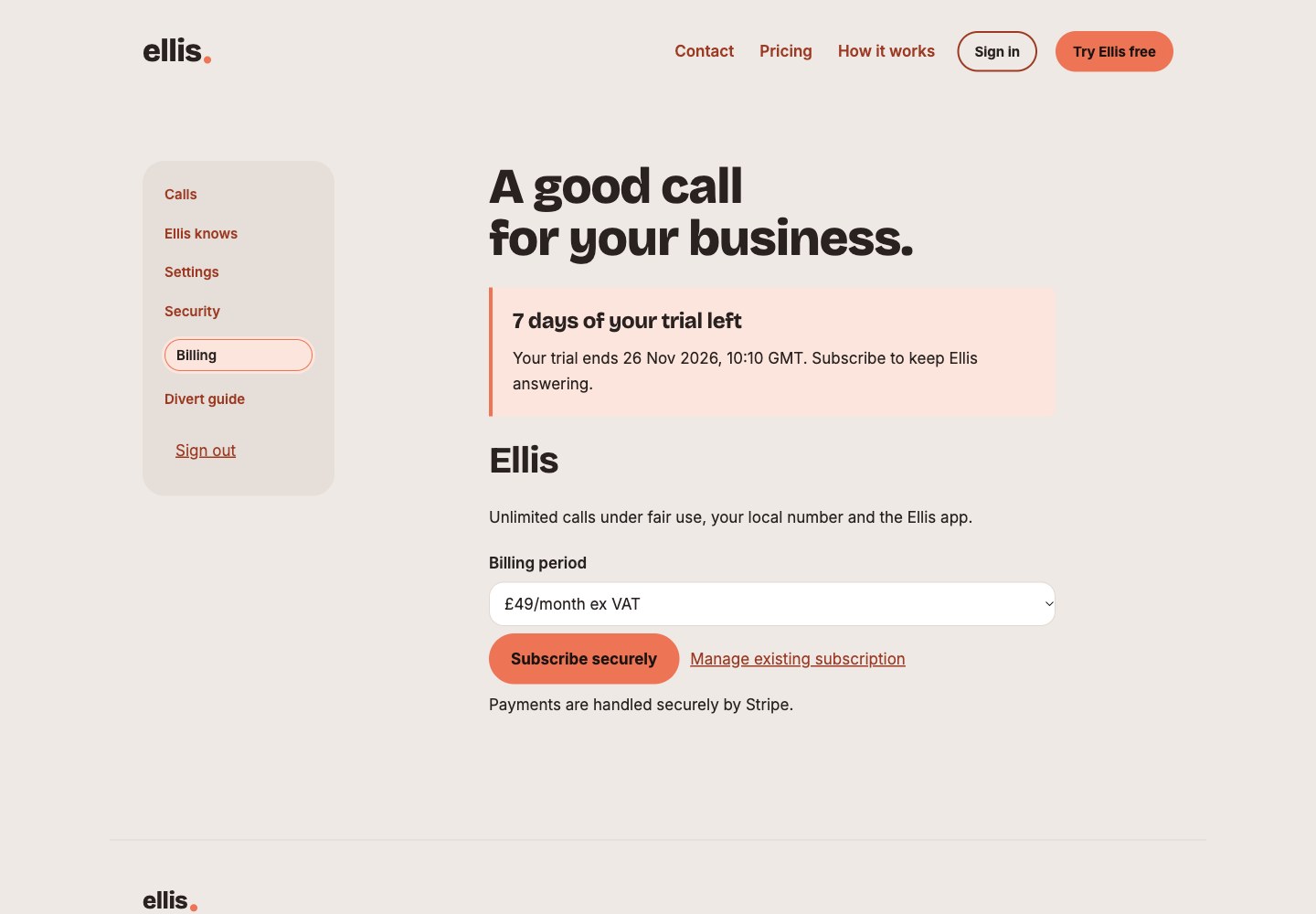
Keep your plan in view.
See your trial and billing options in your account. The amounts shown are an example UK plan, not international launch pricing.
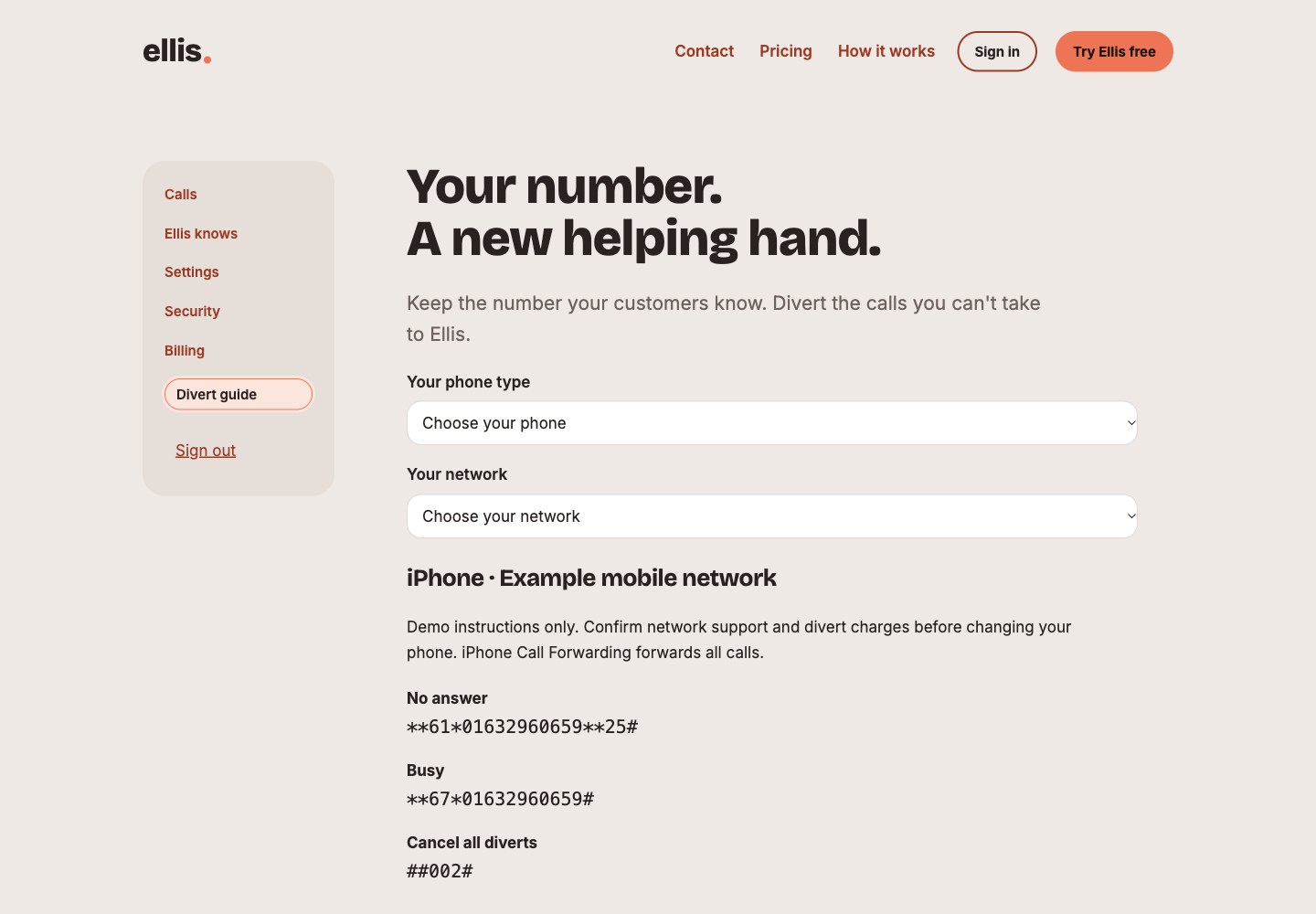
Keep the number your customers know.
Your account includes a guide to forwarding calls. These are demo instructions and a fictional number; use your own account and check your provider’s support and charges.
A helping hand for your calls.
Try Ellis free for seven days. No card needed.
Try Ellis freeSee current UK pricing